1. Steps to Set Up a Facebook Business Manager Account.
Visit the Facebook Business Registration Page
To set up your Facebook Business Manager account, click on the button below:.
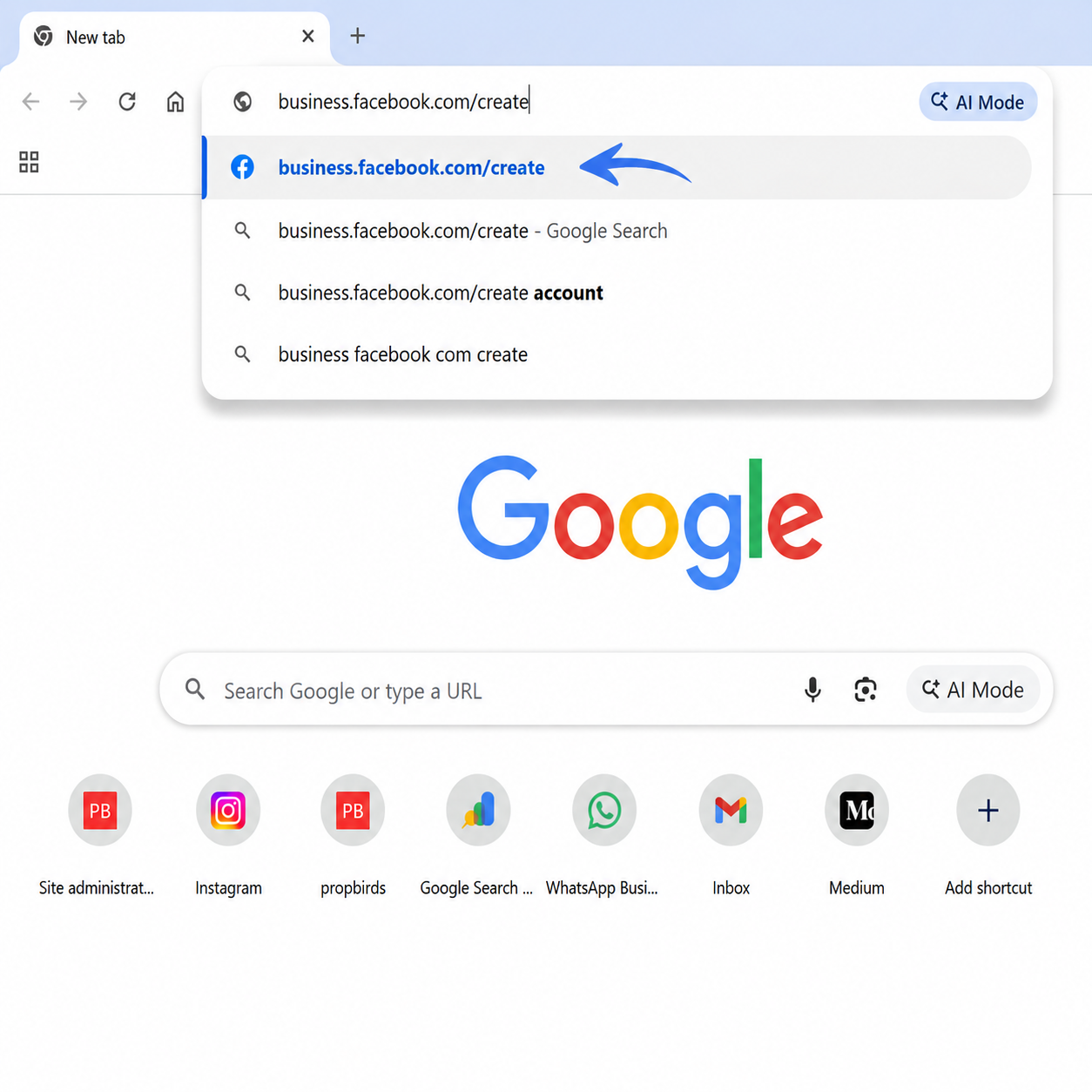
To set up your Facebook Business Manager account, click on the button below:.

To move forward, log in to your Facebook account by clicking the "Log in with Facebook" button.
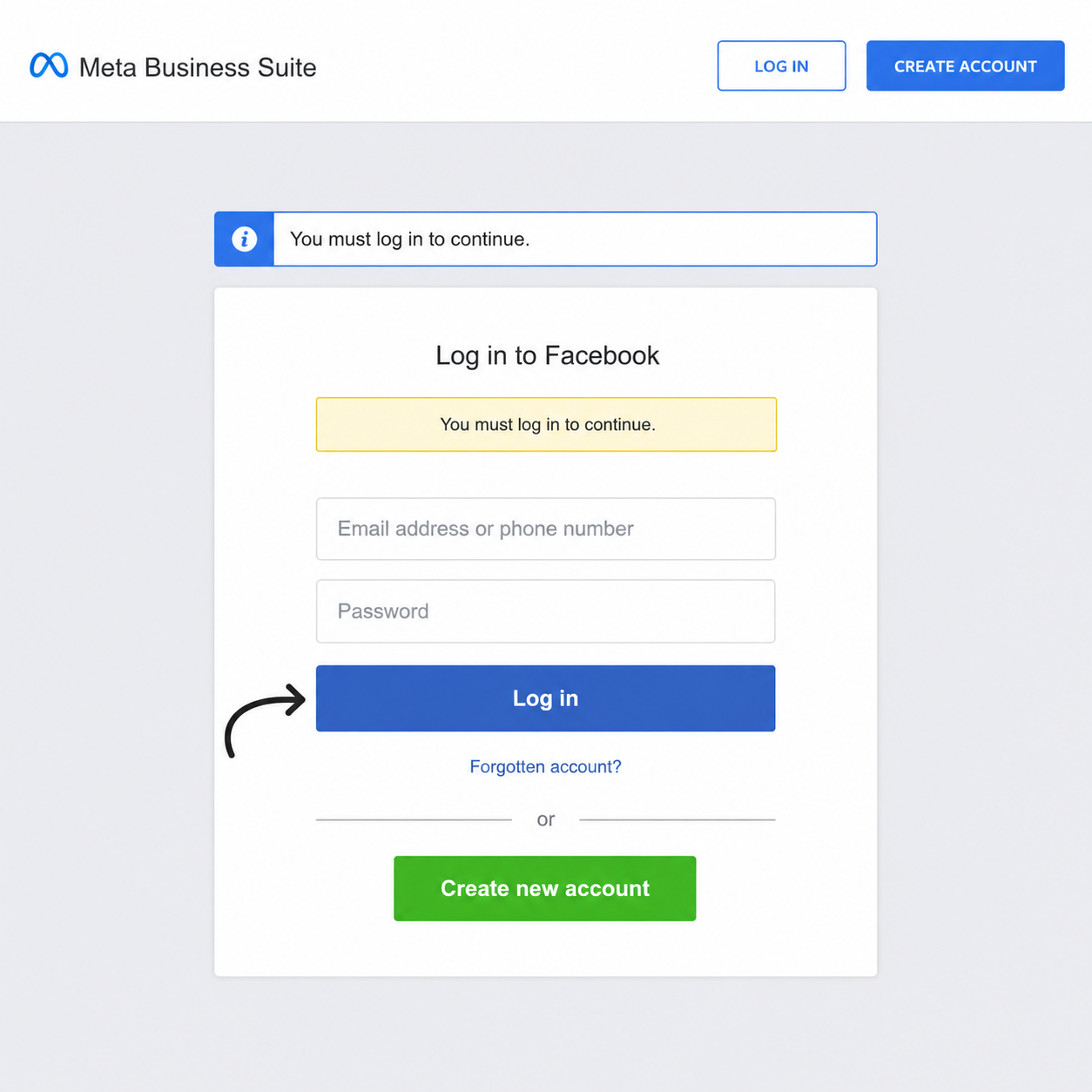
Use your Facebook credentials to log in. Be sure to sign in with the account you plan to use for creating your Facebook Business Manager account.
To continue, click the "Create an Account" button and begin creating your Facebook Business Manager account.."
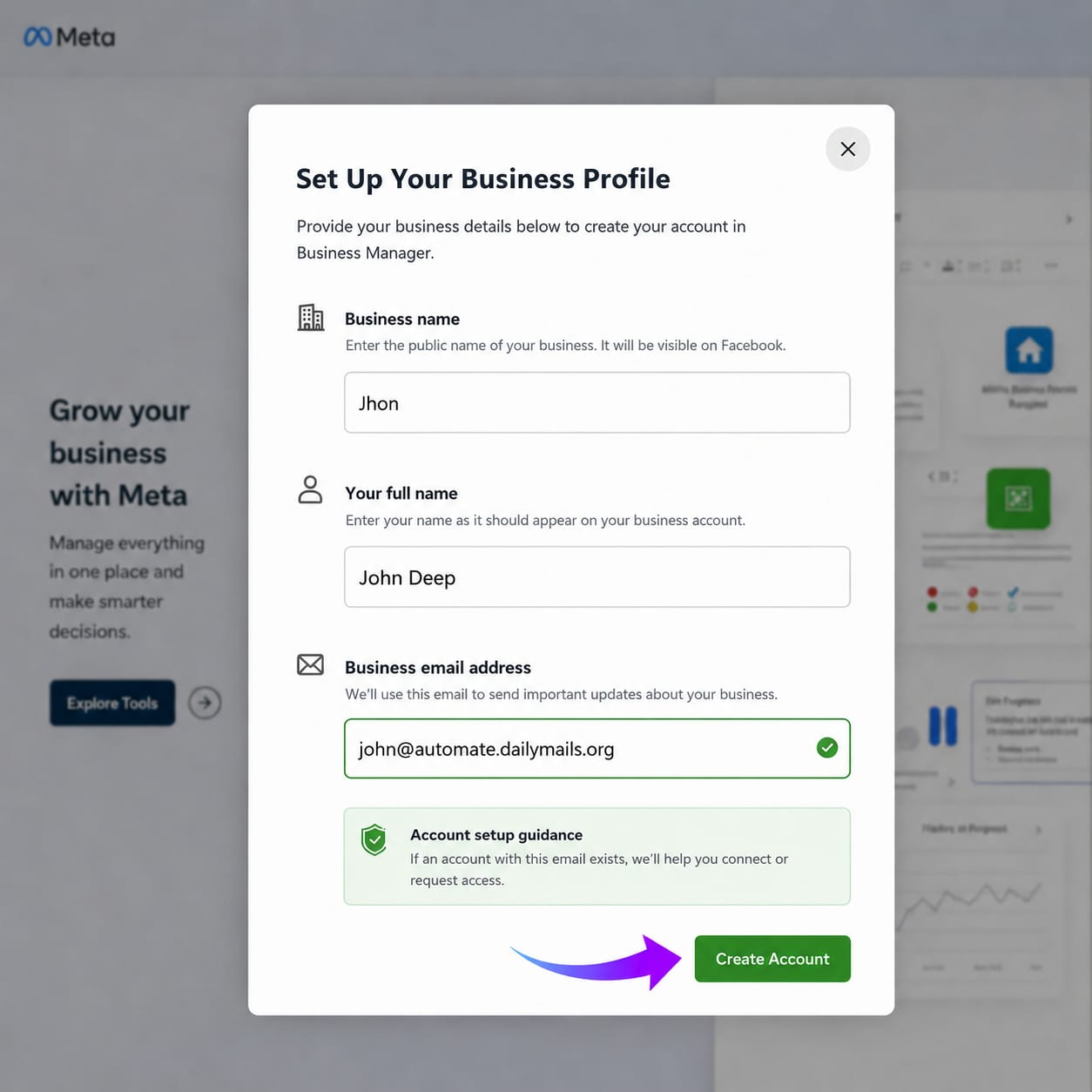
Provide your business name, personal name, and business email ID for future updates and communications from Meta. After entering the details, press "Submit".
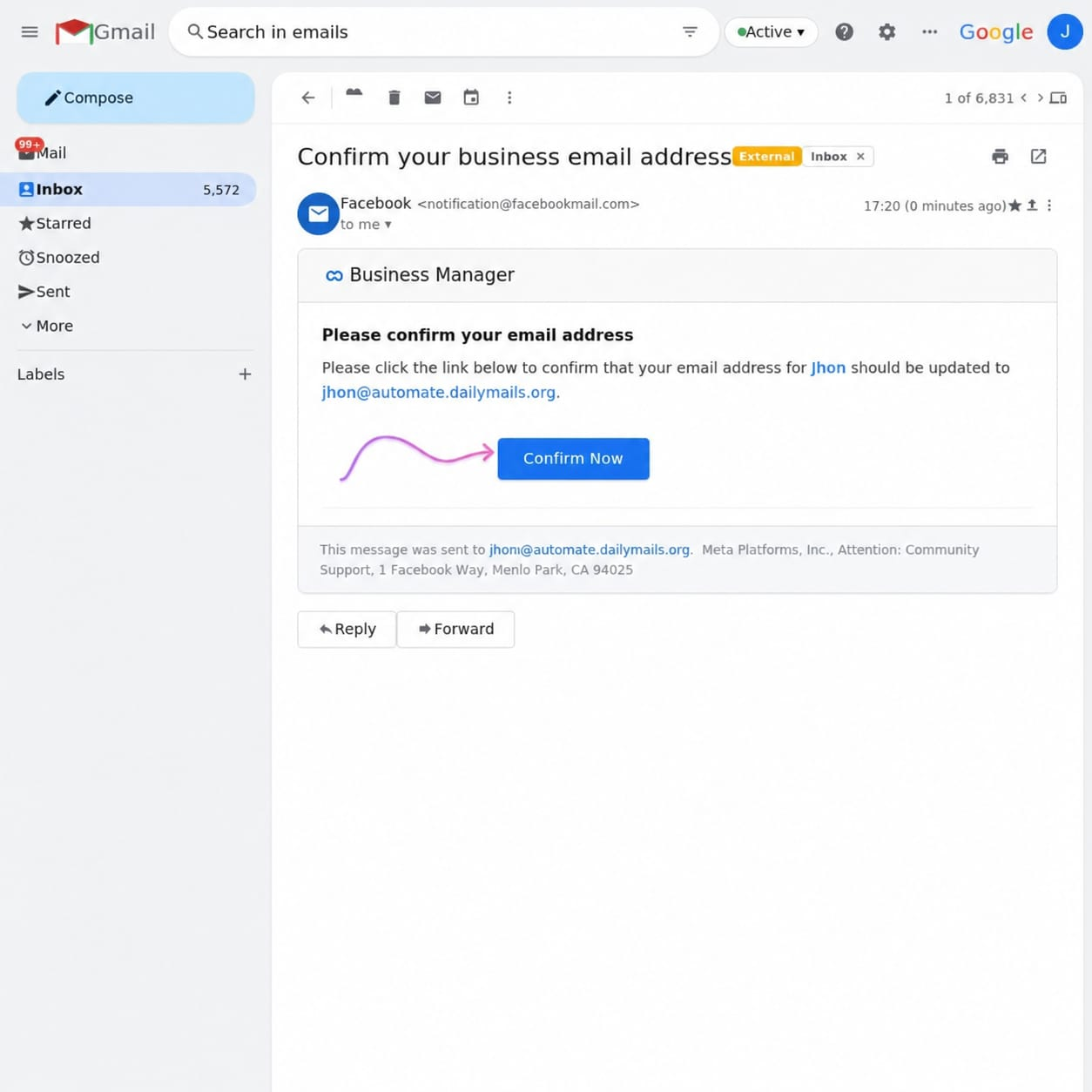
Once you submit your details, a confirmation email will be sent to your registered email ID. Click "Confirm Now" in the email to verify your address.
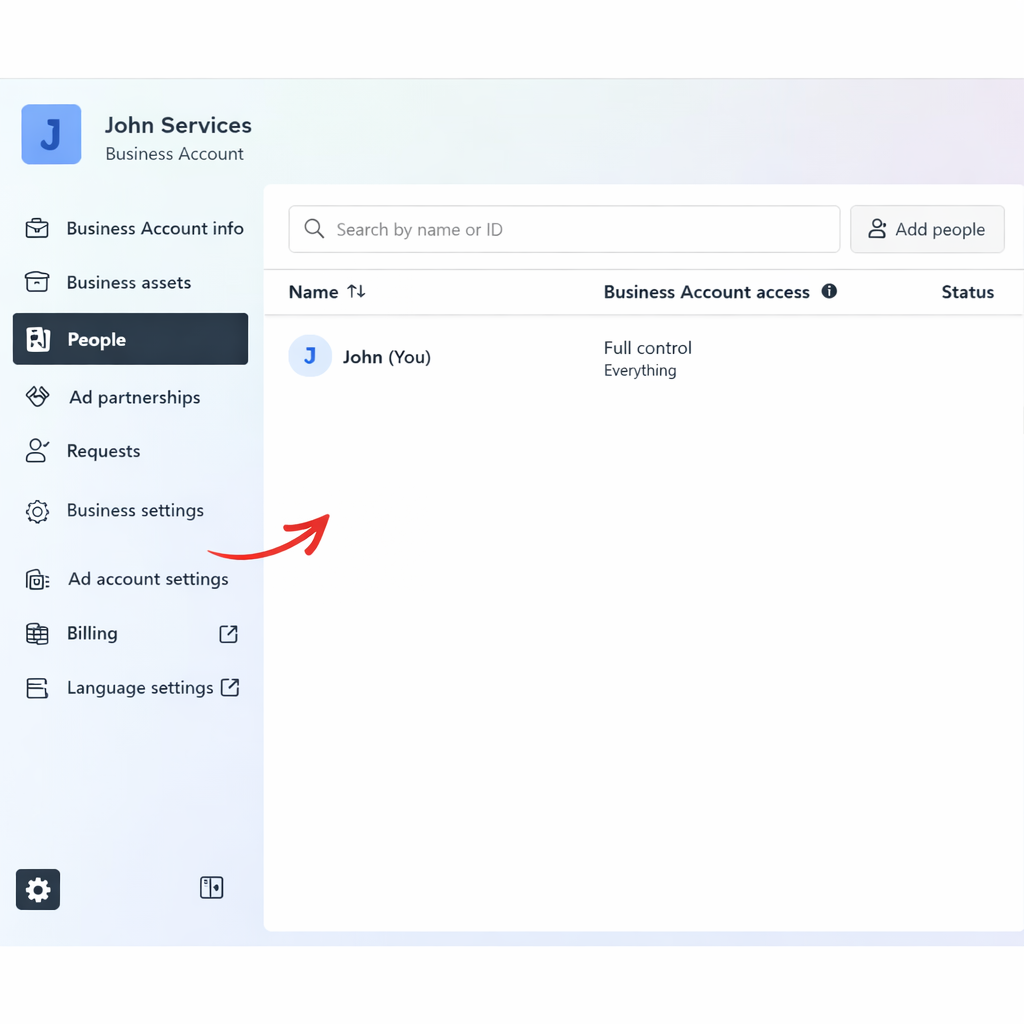
Congratulations! Your Facebook Business Manager account is now set up successfully. 🎉
Next, go to Business Settings to start the verification process for your Facebook Business Manager account.